
Access Windsor Civil Court Records
Civil court records for Windsor are maintained by the Hartford Judicial District Superior Court. Windsor residents file all civil cases at the Hartford courthouse. The court handles contract disputes, personal injury claims, property matters, and other civil cases for nineteen towns in Hartford County. You can search for Windsor civil records through Connecticut's online system or visit the courthouse in person to get copies of case files.
Windsor Quick Facts
Hartford Superior Court Serves Windsor
Windsor residents file civil cases at the Hartford Superior Court downtown. The main courthouse sits at 95 Washington Street in Hartford. This building handles civil, family, and criminal matters for the Hartford Judicial District. Windsor is one of nineteen towns served by this court. All civil filings for Windsor go to the clerk's office at this location.
| Court | Hartford Judicial District, Superior Court |
|---|---|
| Address | 95 Washington Street Hartford, CT 06106 |
| Phone | (860) 548-2700 |
| Court Service Center | (860) 706-5064 |
| Hours | Monday through Friday, 9:00 AM to 5:00 PM Doors open at 8:30 AM |
| Website | jud.ct.gov |
The courthouse is about eight miles from Windsor center. Most residents drive. There are parking garages near the courthouse. Street parking is metered and can be hard to find. CTtransit buses run from Windsor to downtown Hartford if you prefer not to drive. Bring a photo ID when you visit. Security checks everyone at the entrance.
The Hartford courthouse also has locations at 80 Washington Street for small claims and housing cases, and 90 Washington Street for family court. Civil cases are at the main building on 95 Washington Street. Make sure you go to the right location for your type of case from Windsor.
Note: Geographical Area 13 at Enfield also serves some Hartford County towns but Windsor cases go to the main Hartford courthouse.
Search for Windsor Civil Cases Online
Connecticut provides free online access to civil court records through the Judicial Branch. The Civil Case Look-up system covers all Superior Courts in the state. You can search by name, case number, or attorney. Results show case details for civil, family, housing, and small claims matters from Windsor and all other Connecticut towns.
To search for Windsor civil court records, go to the case look-up website and enter your search terms. A name search works best with full names. If you search just a last name, you get many results. Add a first name to narrow it down. Case number searches give exact matches. If you know the docket number for a Windsor civil case, use that for the fastest results.
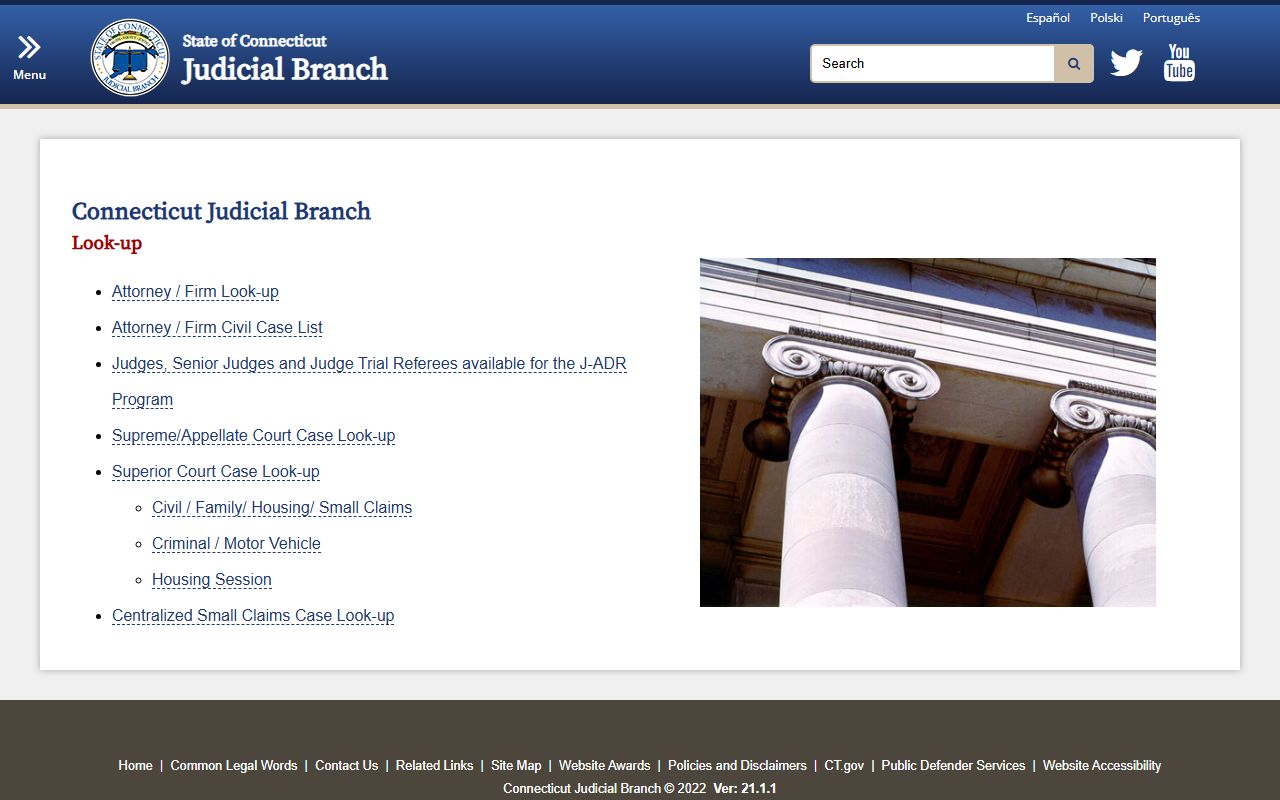
What the online search shows for Windsor civil cases:
- Names of all parties
- Case type and filing date
- Docket sheet with all entries
- Attorney information
- Judge assigned to the case
- Next court date if scheduled
- Case status and disposition
The system is updated daily. Very recent filings may take a day or two to appear. The search is free and you can run as many searches as you need. No account or registration is required. Anyone can look up Windsor civil court records through this public system.
How to Get Copies of Windsor Case Files
If you need copies of documents from a Windsor civil case, you can request them from the clerk's office or the Superior Court Records Center. For active cases, the file is at the Hartford courthouse. For closed cases, the file may be in central storage. The Judicial Branch website at jud.ct.gov explains how to request records.
To request copies of a Windsor civil case file, email SuperiorCourtRecordsCenter@jud.ct.gov with the case name and docket number. Include your contact information. Say if you want email delivery or will pick up copies at the courthouse. You can also call the Centralized Services Unit at (860) 263-2750 to make your request by phone.
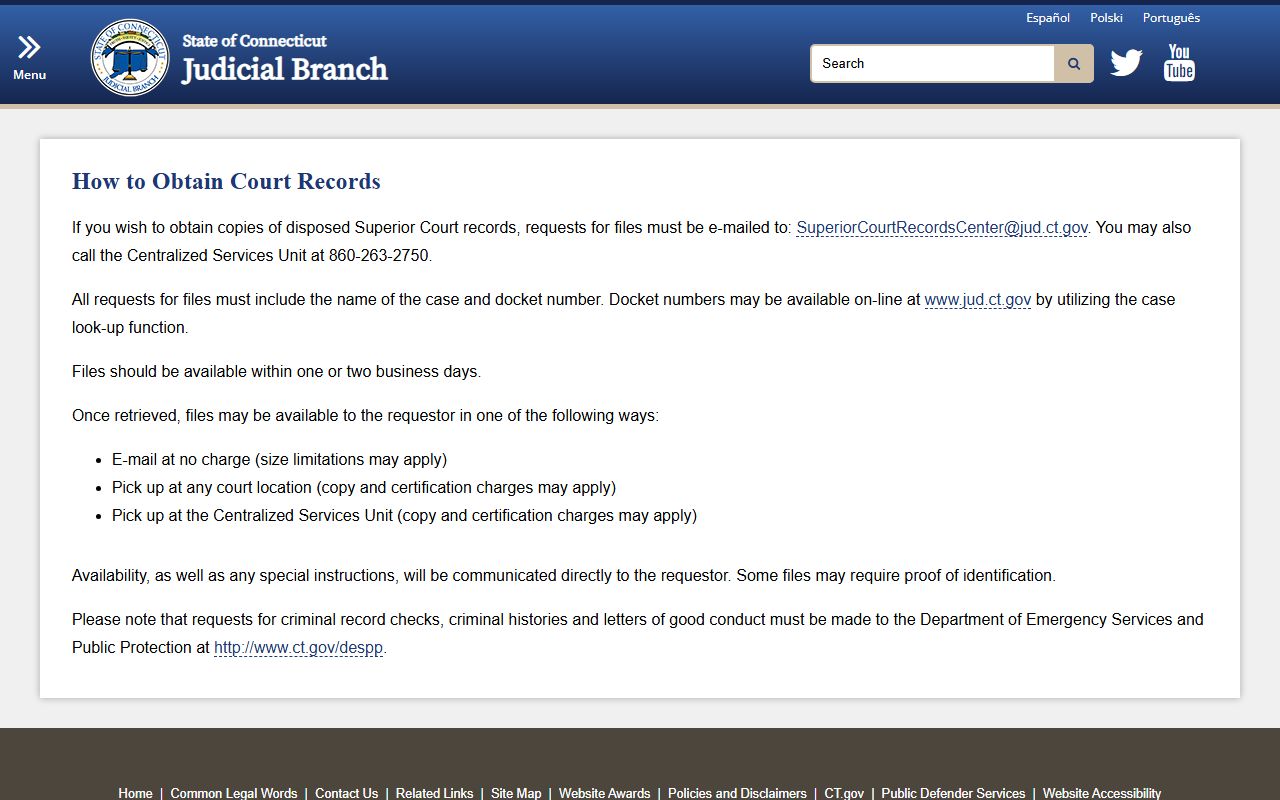
Files are usually ready in one or two business days. Small files can be sent by email at no charge. Large files may need to be picked up due to size limits. The clerk will let you know when your copies are ready and how to get them. Some files may require proof of identification before release, but this is not common for most civil cases.
Copy fees for Windsor civil court records are set by Connecticut law. Court records cost $1.00 per page. Administrative records are $0.25 per page. Certified copies have an additional fee. You pay when you pick up the copies or as instructed by the clerk. Keep your receipt as proof of payment.
Court Service Centers Help Windsor Residents
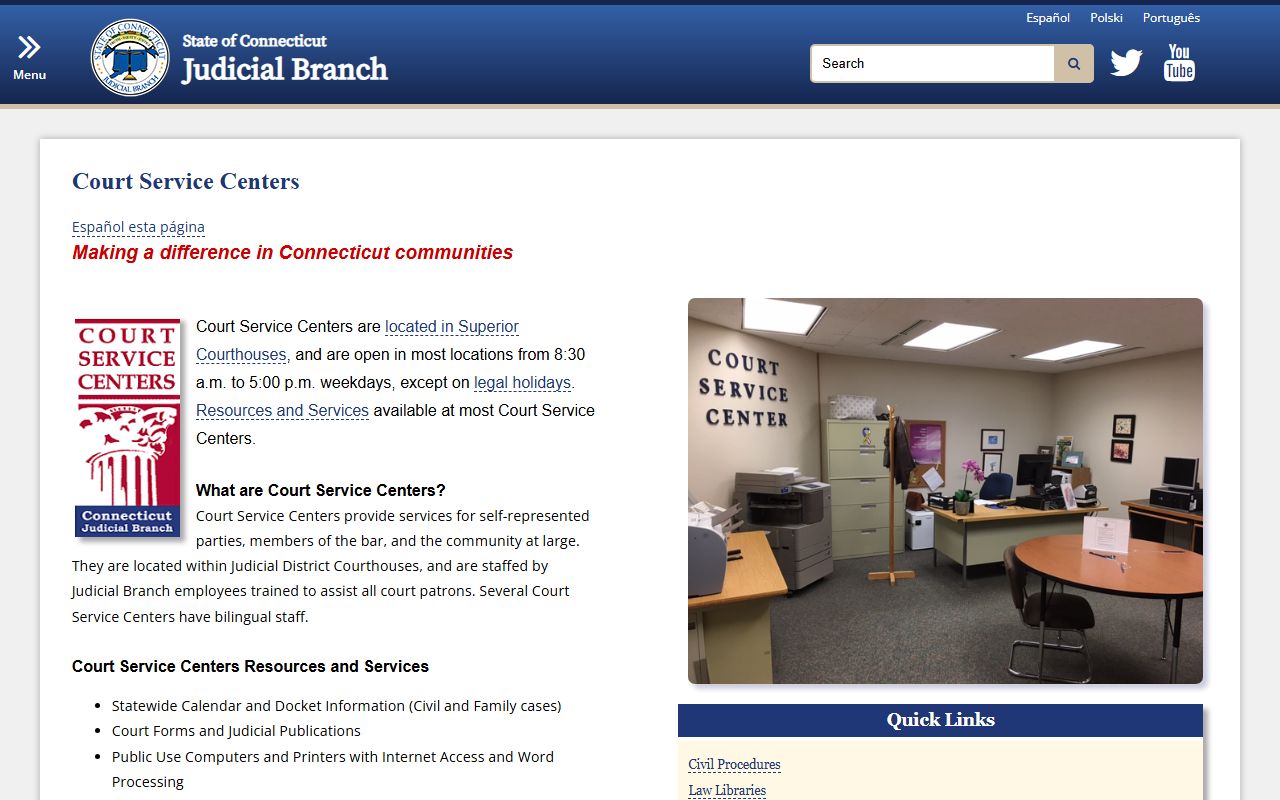
The Hartford courthouse has a Court Service Center that helps people who represent themselves in civil cases. Staff can show you how to find forms, use the computers, and file documents. They do not give legal advice but they can point you to resources and explain court procedures. Windsor residents often use the center when they have questions about civil cases.
The Court Service Center at Hartford offers these services:
- Help finding the correct court forms
- Public computers with internet access
- Printers, copiers, fax, and scanners
- Notary public services
- Calendar and docket information
- Work space to prepare documents
The center is open weekdays from 8:30 AM to 5:00 PM. No appointment is needed. Walk in and ask for help. Staff are trained to assist Windsor residents with civil court matters. They can help you use the online case look-up system and show you how to file papers electronically if your case qualifies.
For questions about Court Service Centers, email Court.ServiceCenter@jud.ct.gov or call the manager at (203) 965-5288. More information is on the Judicial Branch website at jud.ct.gov. These centers serve all Connecticut residents including those from Windsor.
Court Forms for Windsor Civil Cases
The Connecticut Judicial Branch provides all official court forms on its website at jud.ct.gov. You can download any form for free. The site organizes forms by category. Civil forms are in one section. Small claims have their own area. Housing and family forms are separate. Click on the civil section to find forms for starting lawsuits, answering complaints, and filing motions in Windsor civil cases.
Each form has a number and a description. Some are fillable PDFs that you can type into on your computer. Others must be printed and filled out by hand. Make sure all required fields are complete before you file. Sign where indicated. The clerk will not accept unsigned or incomplete forms when you file your Windsor civil case.
Common forms Windsor residents use for civil cases:
- Civil complaint to start a new case
- Appearance form to enter as a party
- Answer form to respond to a complaint
- Motion forms for various requests
- Summons and service documents
- Affidavit forms for sworn statements
When you file forms at the Hartford courthouse, bring extra copies. The clerk keeps the original. You get a stamped copy for your records. If you file by mail, include a self-addressed stamped envelope and the clerk will mail back your stamped copy. Most Windsor residents file in person because it is faster.
The forms website also has instructions and step-by-step guides for common case types. These guides explain what forms to use, how to fill them out, and how to serve the other party. Windsor residents who file their own civil cases find these guides helpful when they do not have a lawyer.
Electronic Filing Options for Windsor Cases
Connecticut allows electronic filing for some civil cases. Lawyers and registered users can file documents online through the Judicial Branch E-Services portal. This saves trips to the courthouse and lets you file papers any time of day. E-filing works for civil cases from Windsor and all other Connecticut towns.
To use e-filing, you must register with the Judicial Branch. The registration process is on their website. Once approved, you get login access. You upload documents as PDFs and pay fees online. The system confirms when your filing is accepted. You can check case status and get notices through your e-filing account.
Not all case types allow e-filing yet. Check the Judicial Branch website to see if your Windsor civil case qualifies. E-filing is mandatory for attorneys in certain case types but optional for self-represented parties. The court is expanding e-filing to more case types over time. For now, many Windsor residents still file in person at the Hartford courthouse.
Note: E-filing fees are the same as in-person filing fees, and your documents are time-stamped when received electronically.
Legal Resources for Windsor Residents
Several organizations provide legal help to Windsor residents with civil cases. Some offer free aid to those who qualify by income. Others provide reduced-cost first meetings with attorneys. If you cannot afford a private lawyer for your civil case, these resources may help.
Connecticut Legal Services helps low-income people with civil legal problems. They handle housing, consumer, family, and public benefits cases. Call to see if you qualify based on income. They have offices across the state and serve Hartford County residents including those from Windsor.
The Connecticut Bar Association runs a lawyer referral service at 1-800-392-5660. They match you with attorneys who handle your type of case. The first meeting is often at a reduced rate. Ask about lawyers who serve Windsor and Hartford County. The Hartford County Bar Association also has a referral line and lists local attorneys.
For self-help resources, visit the Judicial Branch website at jud.ct.gov and look for guides on filing without a lawyer. These guides explain court procedures, what to expect at hearings, and how to prepare your case. The Court Service Center at the Hartford courthouse is another place to get help with forms and basic information about civil cases from Windsor.
Public Access to Windsor Civil Records
Connecticut law makes most civil court records public. The Freedom of Information Act says court files are open unless sealed by law or court order. Anyone can search for and get copies of Windsor civil cases. You do not need to be a party to the case or have a special reason. Public access is the rule in Connecticut.
Connecticut General Statutes Section 1-210 covers access to public records. It applies to all state agencies including courts. The law gives you the right to inspect and copy records during regular business hours. Section 1-212 sets fees for copying. These statutes govern access to Windsor civil court records just like records from any other Connecticut town.
Some records are not public. Juvenile cases are confidential. Trade secrets may be sealed by court order. Files with sensitive personal information can have parts redacted. But most civil disputes filed in Windsor are fully public from start to finish. Contract cases, injury lawsuits, and property disputes are open to all.
If the clerk denies your request to see a Windsor civil case file, they must give a written reason within four business days. You can appeal the denial to the Connecticut Freedom of Information Commission. The commission reviews denials and can order records released. Contact them at (860) 566-5682 or visit portal.ct.gov for help with access issues involving Windsor civil court records.
Hartford County Civil Court Records
Windsor is part of Hartford County. The Hartford Judicial District serves nineteen towns in the county. All civil cases from Windsor go through this court system. For more on Hartford County courts, courthouse locations, filing procedures, and other resources, visit the county records page.